Business process automation examples from three real integration builds
Published: October 29, 2026
6 min read
The latest update: October 30, 2026
Qeto Matitaishvili
Innovation Strategist
Many automation projects begin with one person moving data between two systems that should already be talking to each other. In a recent Ralabs Tech Talk, Aleksandar Bogdanovski, Senior Automation and Integration Engineer at Ralabs, walked through three business process automation examples from projects he built for Ralabs clients. He has spent more than five years building integrations on low code platforms.
The industries were different: pharma and biotech, medical devices, and banking. So were the platforms: n8n, SnapLogic, and Boomi. For each build, this recap covers how the automation works and what it changed for the client.
Four signals that a process is ready for automation
Aleksandar started with four complaints Ralabs hears in early client conversations. Each one points to a process that is ready for automation.
Four signals that a process is ready for automation
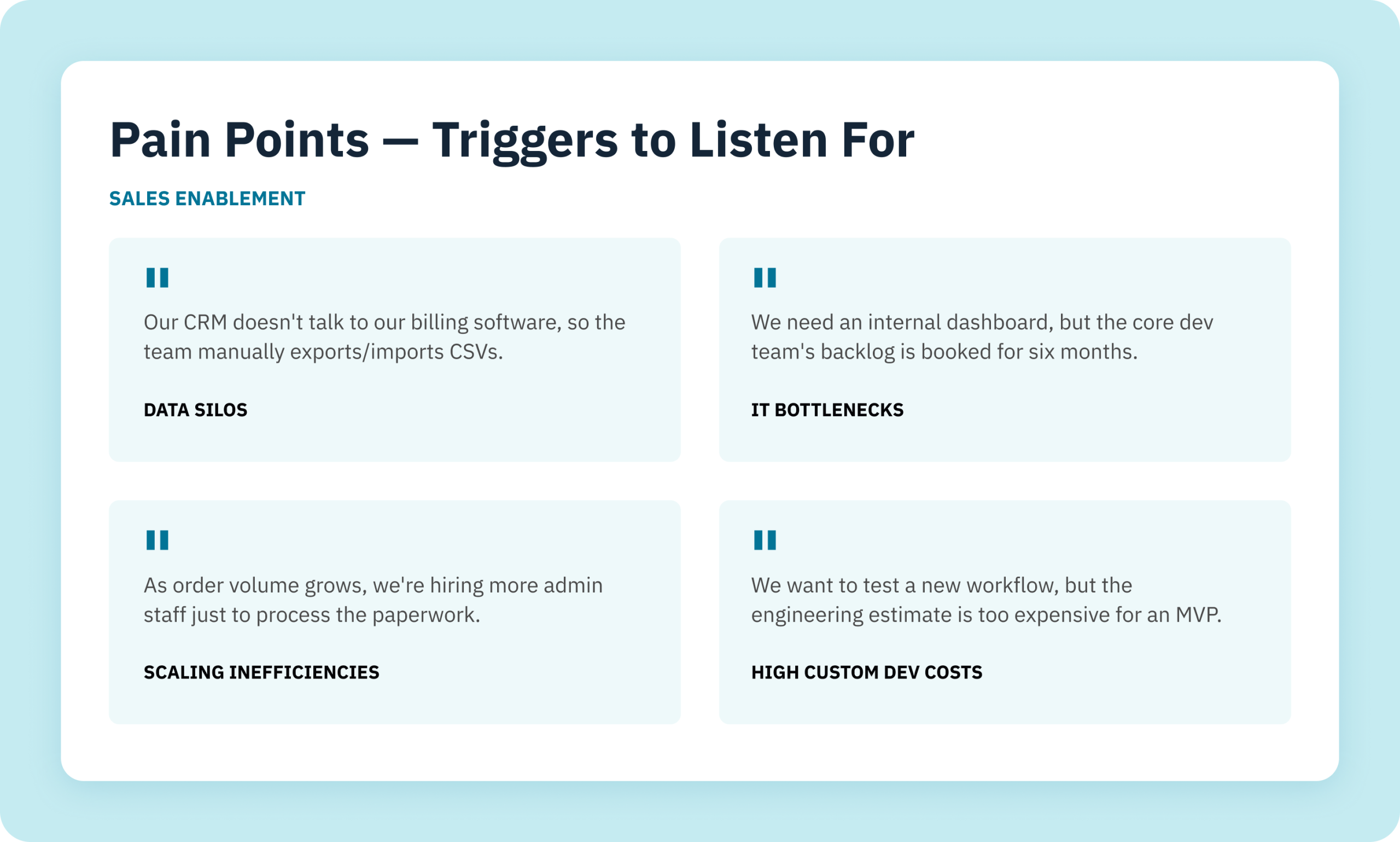
Data silos sound like a CRM that does not talk to the billing software, so the team exports and imports CSV files by hand. IT bottlenecks sound like an internal dashboard that cannot start because the core development backlog is booked for six months. Scaling problems appear when growing order volume means hiring more administrative staff just to process paperwork. High custom development costs show up when a team wants to test a new workflow but the engineering estimate is too expensive for a minimum viable product (MVP).
For that last problem, Aleksandar’s case was that business process automation and low code platforms get a working MVP to market faster, at a fraction of the cost of custom software development.
Build 1: one project view for a pharma and biotech client
The first client kept project and resource data in separate places, on legacy technology that had reached end of support. Projects lived in desktop Microsoft Project (MS Project). Smartsheet held additional project metadata. Resource management sat in Runn. Desktop MS Project stores each project as a file on a manager’s computer, so external managers and team members had no simple way to see data across projects.
Older desktop versions of MS Project are now out of support. Microsoft ended support for Project 2016 and Project 2019 on October 14, 2025, so those versions no longer receive security updates, bug fixes, or technical support.
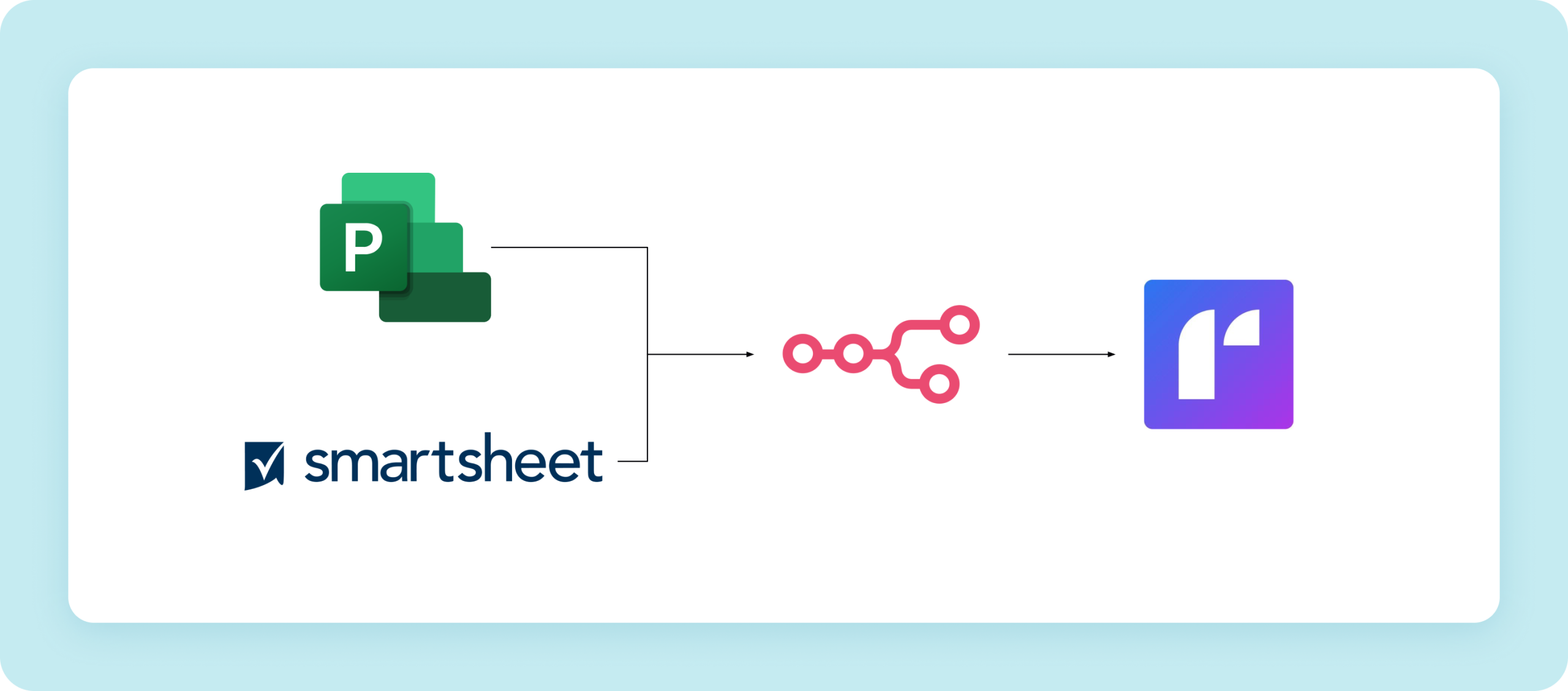
Build 1: MS Project and Smartsheet data flow through n8n into Runn
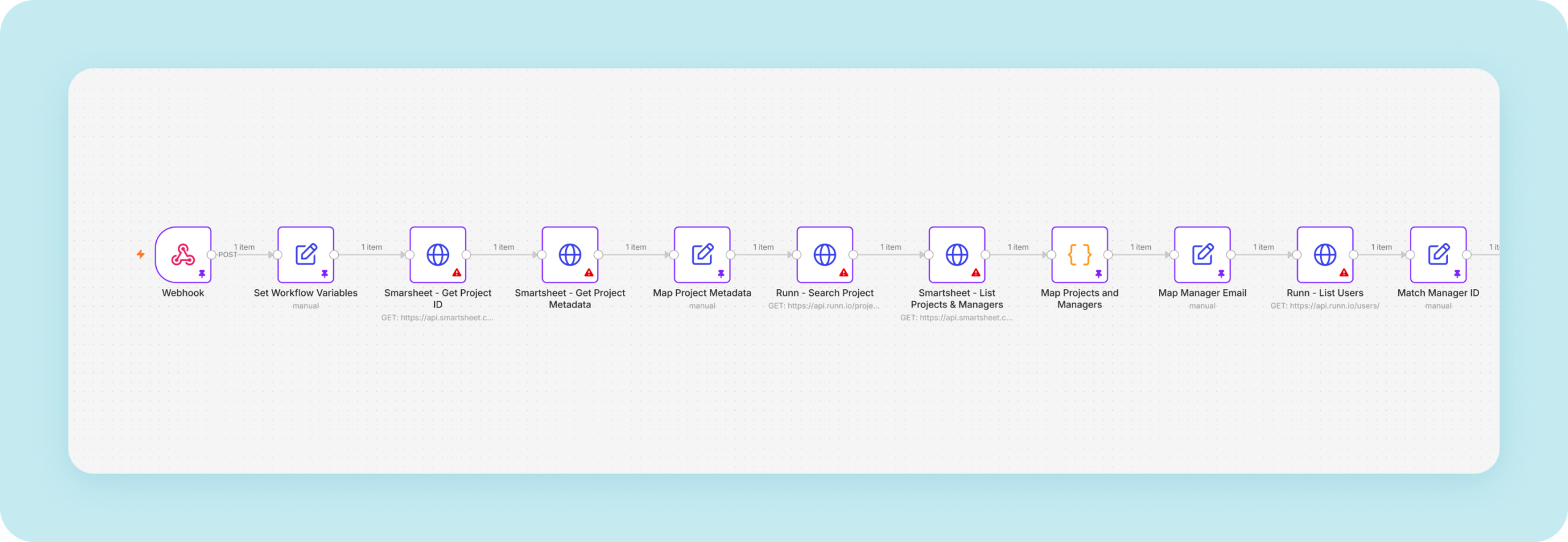
Ralabs chose n8n for its fast time to market and strong data transformation capabilities. The workflow starts when a macro script inside MS Project sends data to an n8n trigger. n8n then enriches the project metadata from Smartsheet and other secondary sources, and creates or updates the project record in Runn.
Build 1: the start of the workflow in n8n
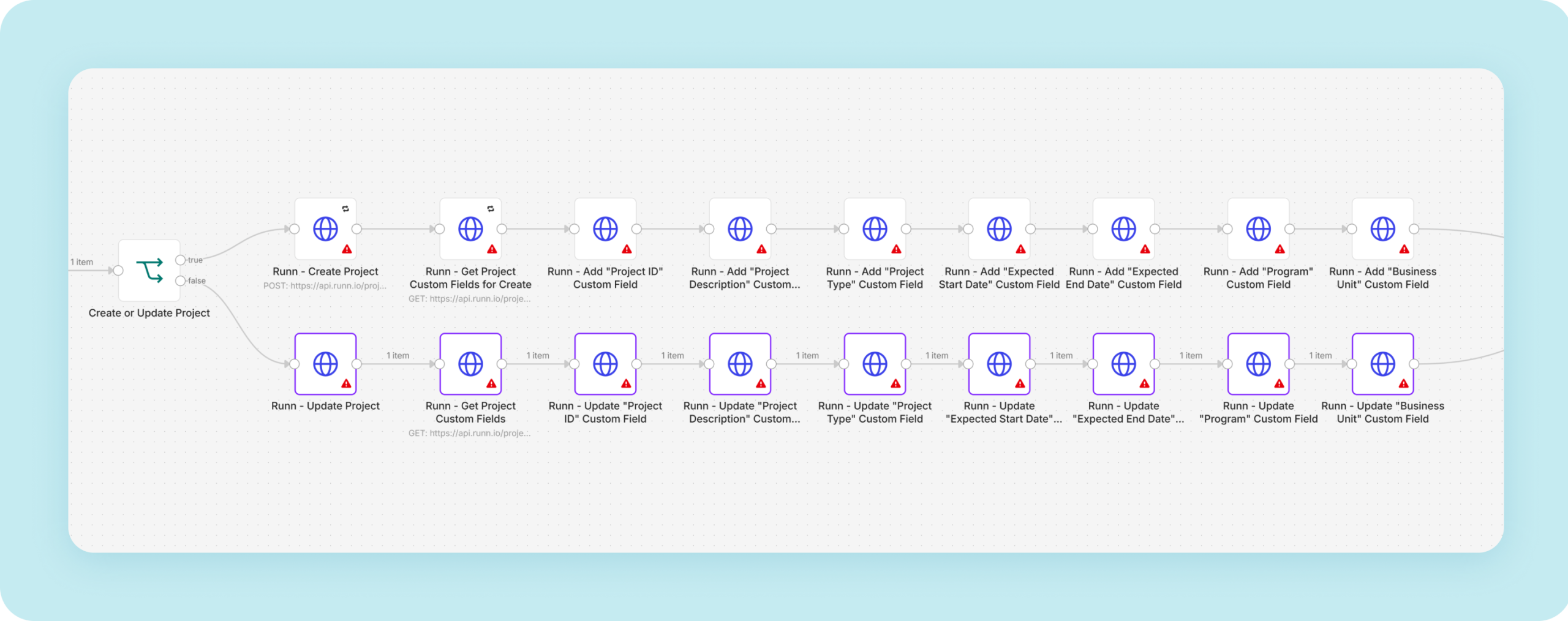
Writing custom fields to Runn takes eight nodes: one fetches the custom field list, and each of the others writes a single field. In most integrations, Aleksandar said, secondary fields update in a single step. Here the Runn API expected an object payload for each custom field, so one write could not cover several fields. The structure also helps the client later. If they need a new custom field, a nontechnical team member can duplicate one of the prepackaged nodes instead of calling a developer.
Build 1: custom fields are written to Runn one node per field
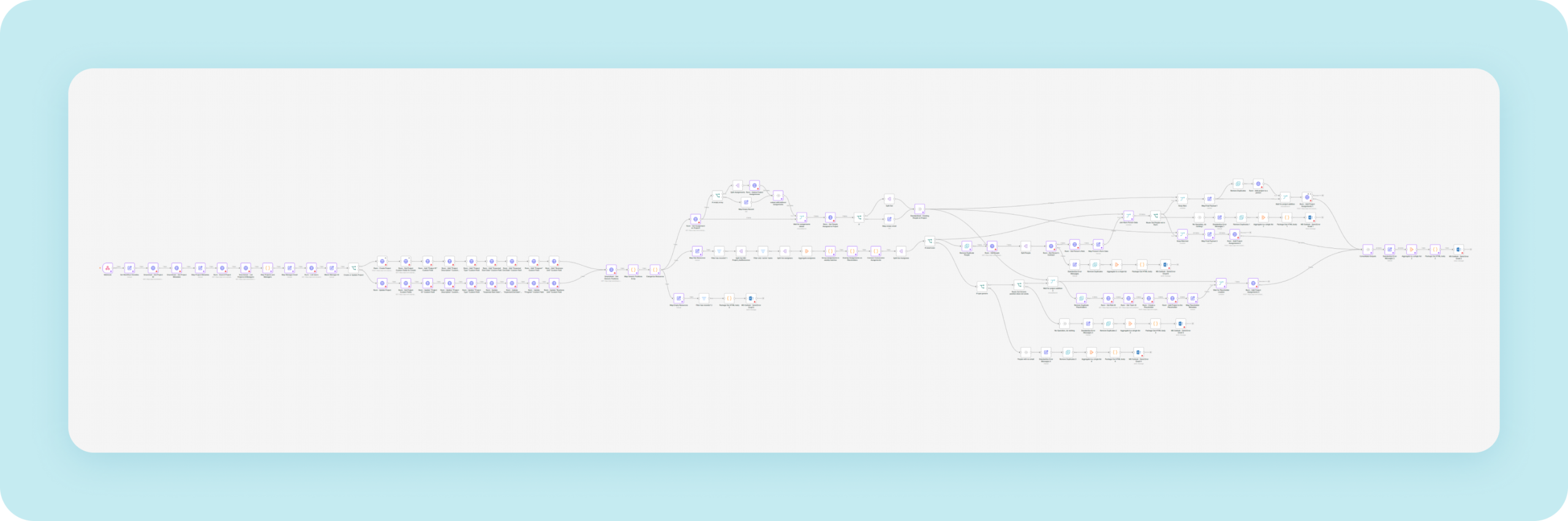
Because the source is file based, each run performs a full reload. The workflow clears existing records and reroutes project assignments through nested routing logic. The full canvas below shows how much logic that takes.
Build 1: the full n8n workflow canvas
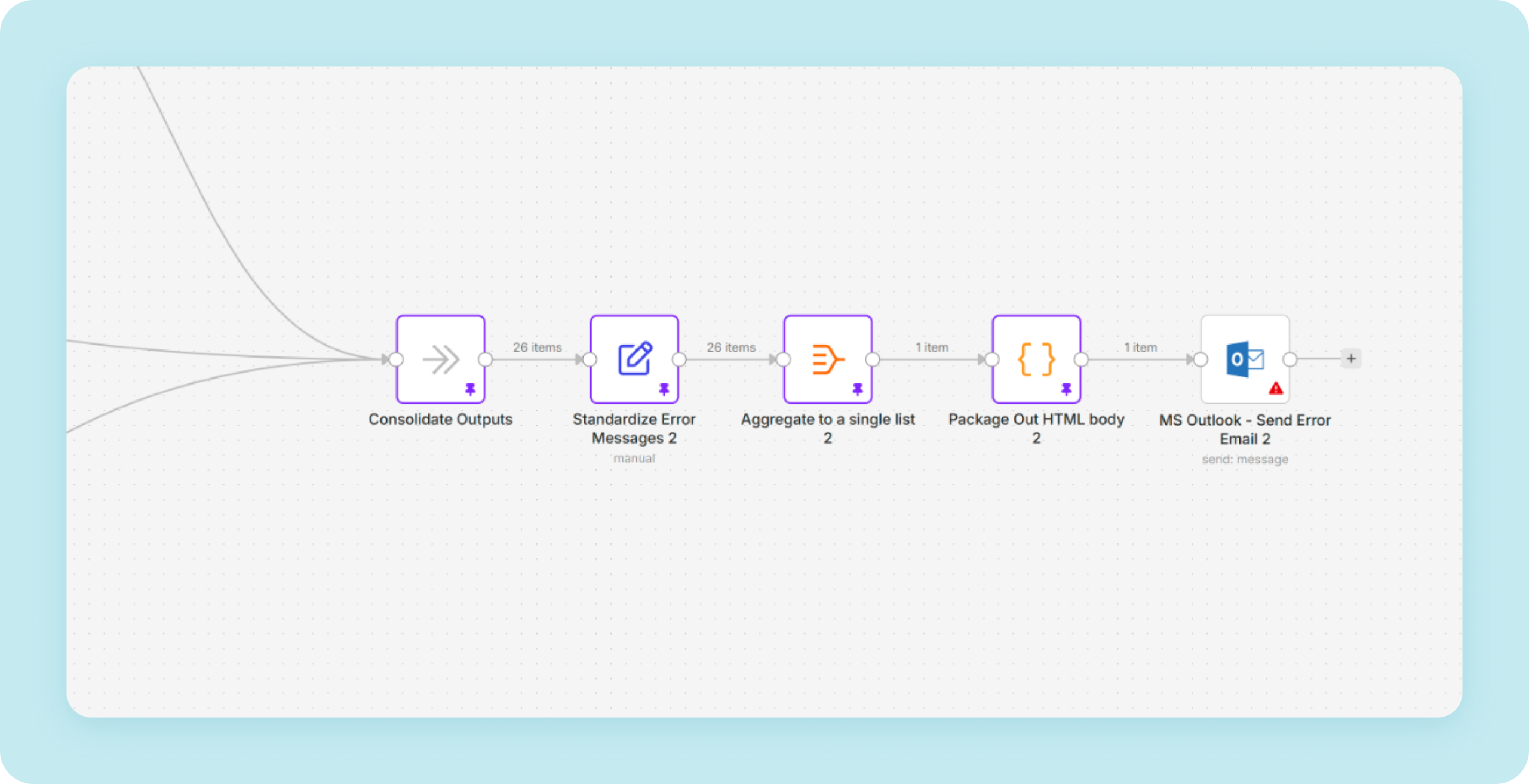
The feature the client valued most was built for people without a technical background. When something goes wrong, n8n sends a prepackaged email to the manager who started the load, explaining the error in plain language. Managers can fix user allocation and assignment mistakes themselves, without calling a developer.
The result is one connected system that replaced the daily manual checks.
Build 1: routing and error-handling branches
Build 2: 10,000 invoices a week for a global ophthalmic manufacturer
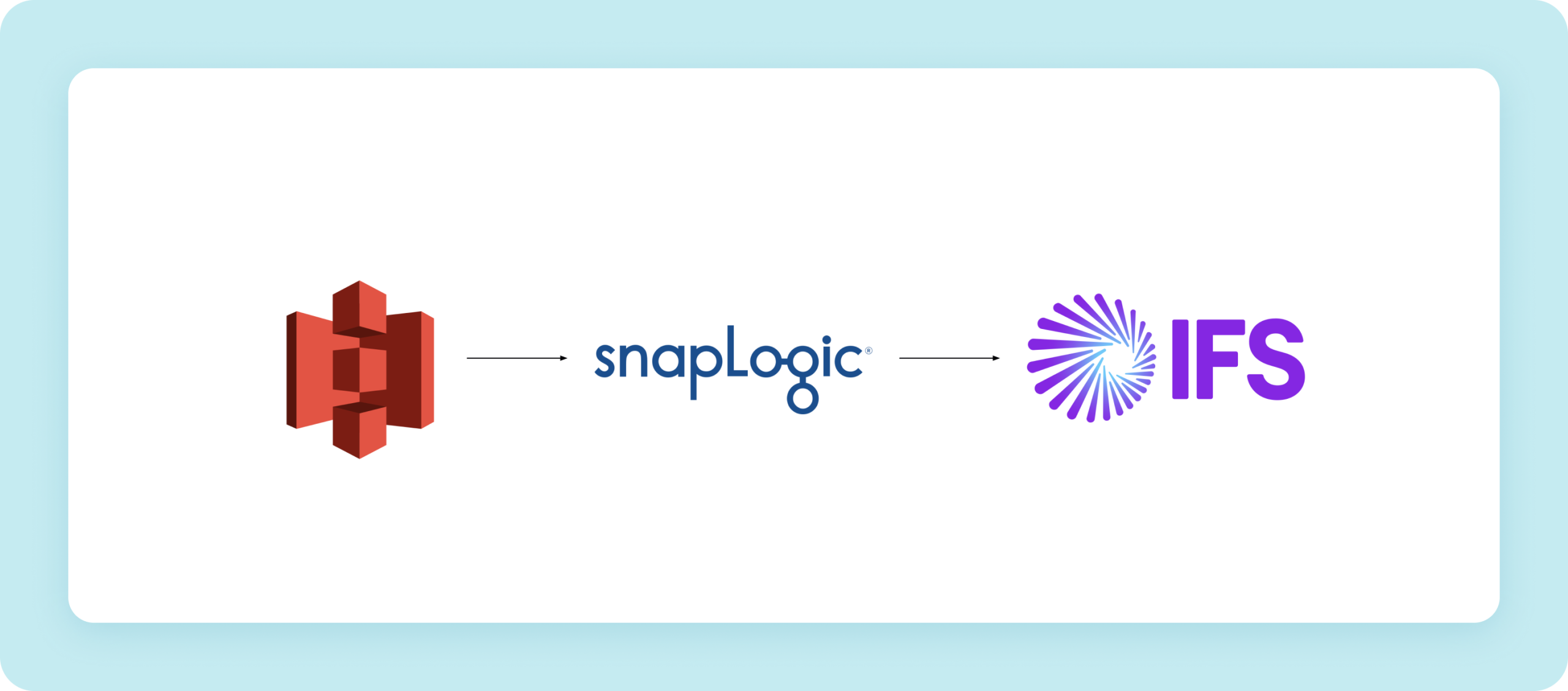
The second client, a global ophthalmic manufacturer in healthcare and medical devices, was struggling with manual data entry into its ERP. Ralabs built a point to point ERP integration. Invoices land in an Amazon S3 bucket, and SnapLogic validates and routes them before writing the data securely into IFS ERP.
Build 2: invoices move from Amazon S3 through SnapLogic into IFS ERP
Invoices arrive as templated PDFs with specific metadata. Before fetching the full payload, SnapLogic validation snaps check that metadata against the expected format. The pipeline catches files that do not match, before they can break the pipeline further downstream.
Aleksandar named this the hardest of the three builds. The client operates in many markets, and each market has its own tax rules and required custom fields. An invoice for Italy needs different fields than an invoice for Japan. The integration had to localize each invoice dynamically while keeping one standard processing flow.
The pipeline now processes about 10,000 invoices a week without manual entry. Data entry errors dropped by 60%, and operational cost per workflow fell by 50%.
Build 3: purchase order automation for a banking client
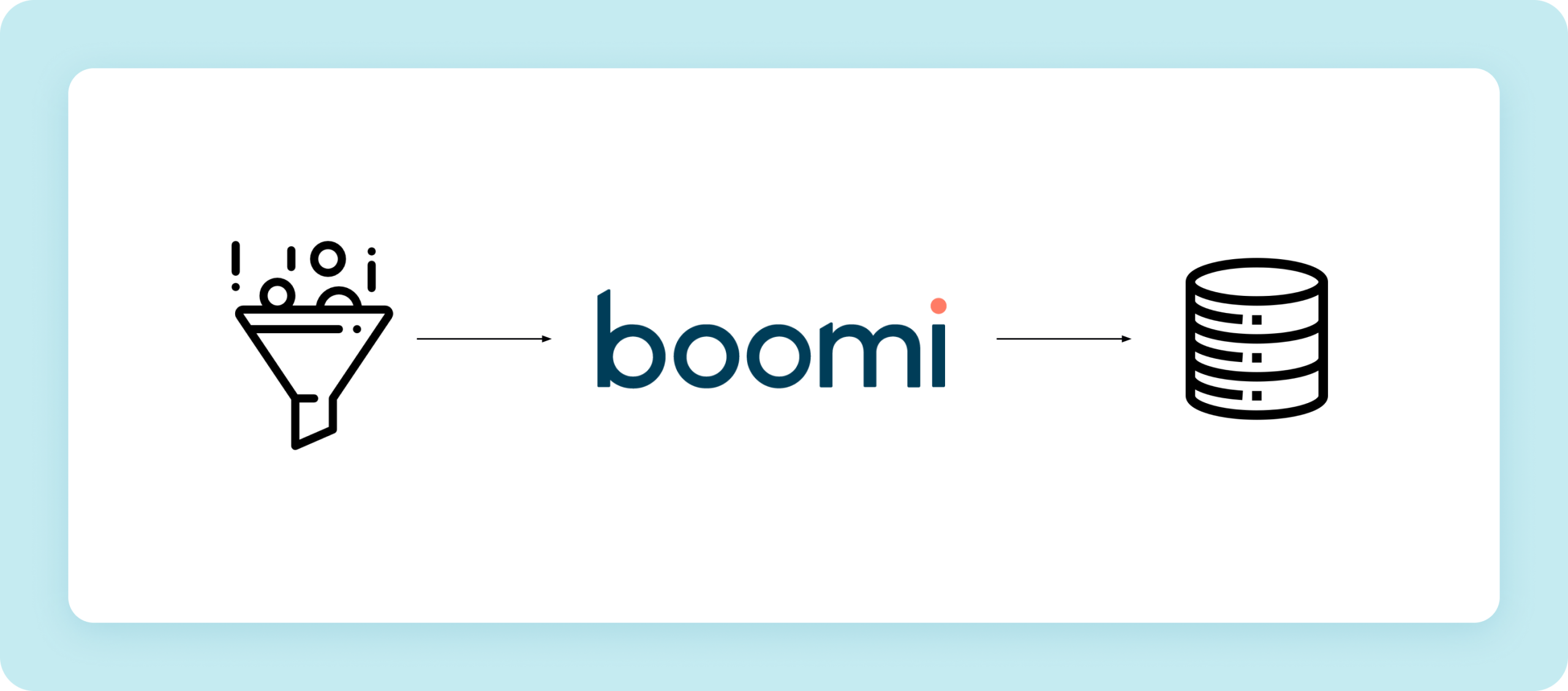
The third client, in banking and fintech, handles high volumes of sensitive purchase order data from multiple source systems. On the slide, a single funnel icon stands in for those sources.
The Boomi pipeline runs in three steps: secure ingestion, transformation, and controlled delivery. Along the way, the pipeline enriches the data and runs security validation. The data then lands in the client’s central database, which feeds reporting and dashboards.
Build 3: purchase order data flows through Boomi into the client’s central database
The pipeline now processes daily purchase order volumes as they arrive. The client saves more than 1,000 hours a year compared with the previous decentralized approach. Aleksandar put that saving in practical terms: roughly half of one full time employee’s working year, or about an hour and a half a day for each person on a three person team.
Different platforms, the same root problem
The builds covered three industries and ran on three platforms, yet the underlying issue was the same each time: a person doing work that two systems should handle directly.
Ralabs stays tool agnostic, and Aleksandar described platform choice as a sliding scale. At one end are enterprise tools such as Boomi, MuleSoft, and Tibco. At the other are more agile ones such as n8n, Make, and Zapier. The deciding factors are project scope, stakeholders, and complexity, not company size alone.
How Ralabs runs an automation project
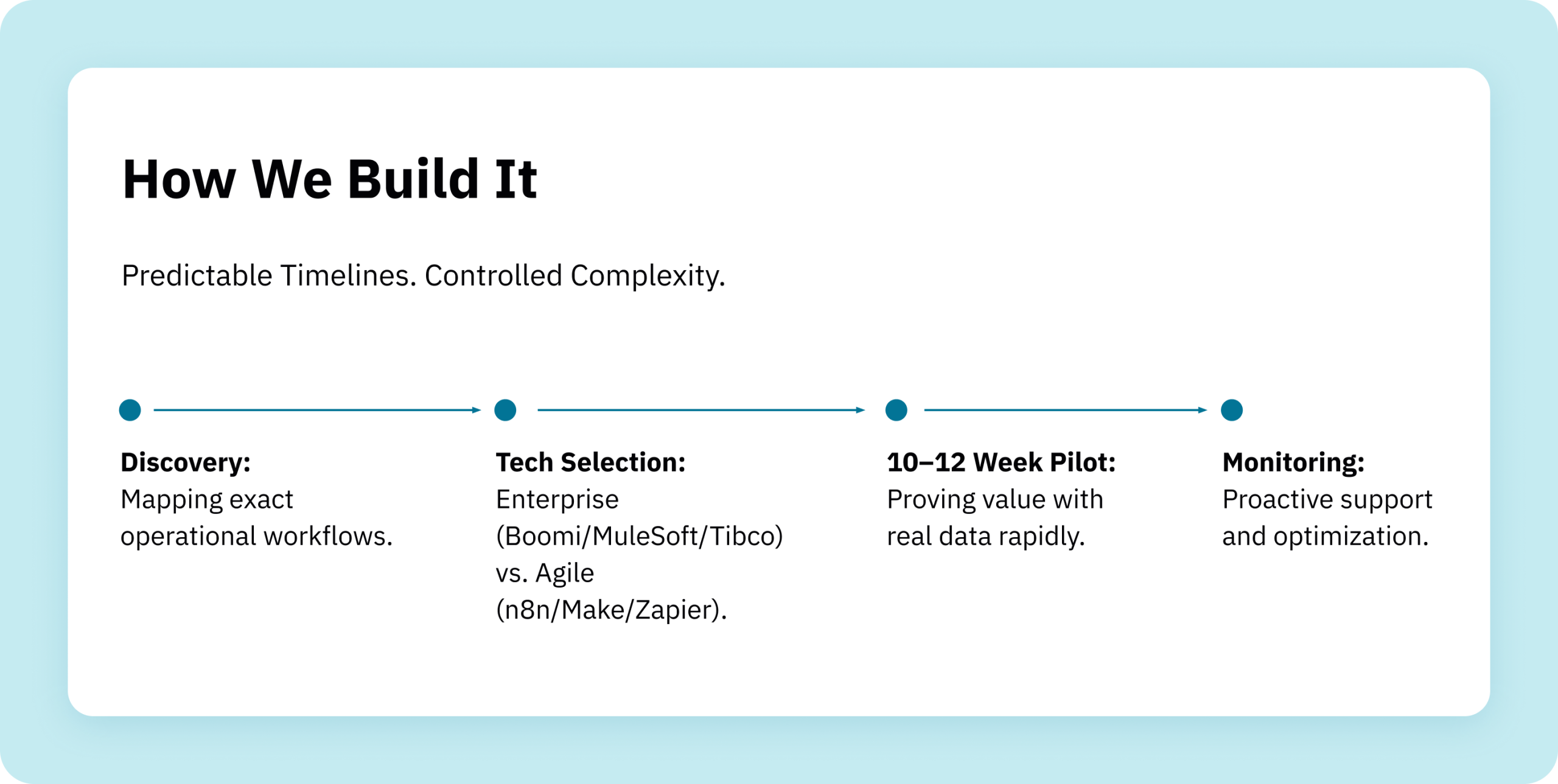
How Ralabs runs an automation project: discovery, tech selection, pilot and monitoring
Every project follows four stages:
Discovery maps the real operational workflow, going beyond technical documentation to find the root problem.
Tech selection picks the platform.
A 10 to 12 week pilot proves value with real data and delivers a live automation within a single quarter.
Monitoring adds error logging, graceful error handling, proactive support, and continued optimization after launch.
During the pilot, Ralabs carries about 90% of the effort. The client’s 10% covers requirements, testing, and final sign off after user acceptance testing.
Across Ralabs automation projects, clients typically see a 20 to 30% baseline efficiency improvement within months of launch. Moving from manual entry to automated pipelines brings the operational error rate below 0.5%. A low code enterprise approach shortens integration and development timelines by 65%.
01
IMMEDIATE EFFICIENCY:
Clients typically experience a 20% to 30% baseline efficiency improvement within months of implementation.
02
NEAR-ZERO ERRORS:
Moving from human data entry to automated pipelines drops the operational error rate to under 0.5%.
03
FASTER DEPLOYMENT:
Utilizing a low-code enterprise approach reduces integration and development timelines by 65%, allowing teams to deploy solutions in days rather than months.
Questions from the audience
What is the smallest process worth automating? There is no minimum. Small automations add up quickly across daily workflows, and the combined time saved is what counts.
Where does AI help in automation workflows? On the engineering side, AI tools cut build time from weeks to hours, and from hours to minutes. Inside client workflows, AI agents handle data lookups, document parsing, and dynamic preprocessing.
Why do automation projects fail? Most often because of unaligned expectations and weak scoping during discovery. That is why discovery comes first in every Ralabs project.
Can you automate a legacy ERP without an API? Yes. Macro scripts, file based triggers, and middleware layers can pull data from legacy systems into an integration pipeline. Build 1 applied the same idea to a file based tool: a macro inside desktop MS Project sends data to n8n.
Watch the full session
All three clients kept their core systems. The automation took over the manual work between them: daily cross checks in pharma, invoice keying in medical devices, and decentralized purchase order handling in banking.
The full Tech Talk includes Aleksandar’s live walkthrough of the n8n canvas and more detail on each build. Watch the recording on YouTube. If you are planning a similar project, send your project details to [email protected] or reach out through our contact page, and we will talk through what automation could look like for your workflows.